2,050+ icons
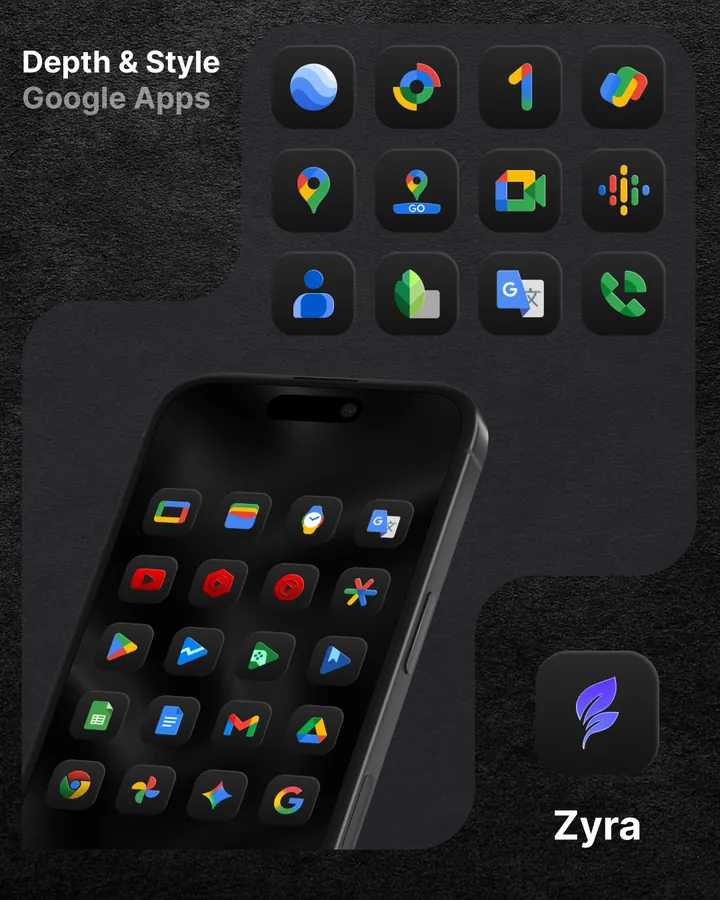
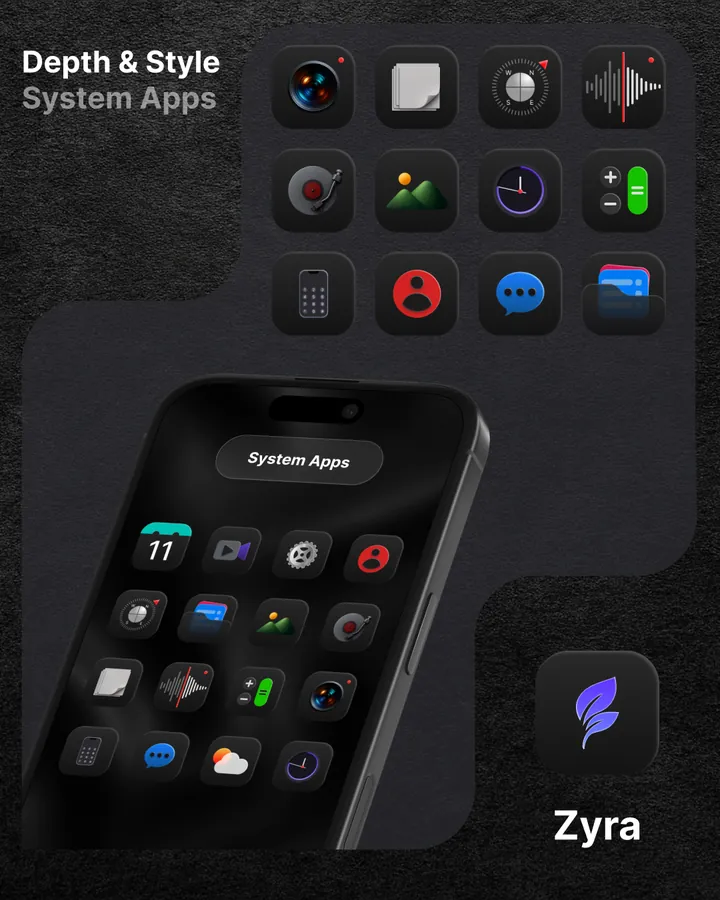
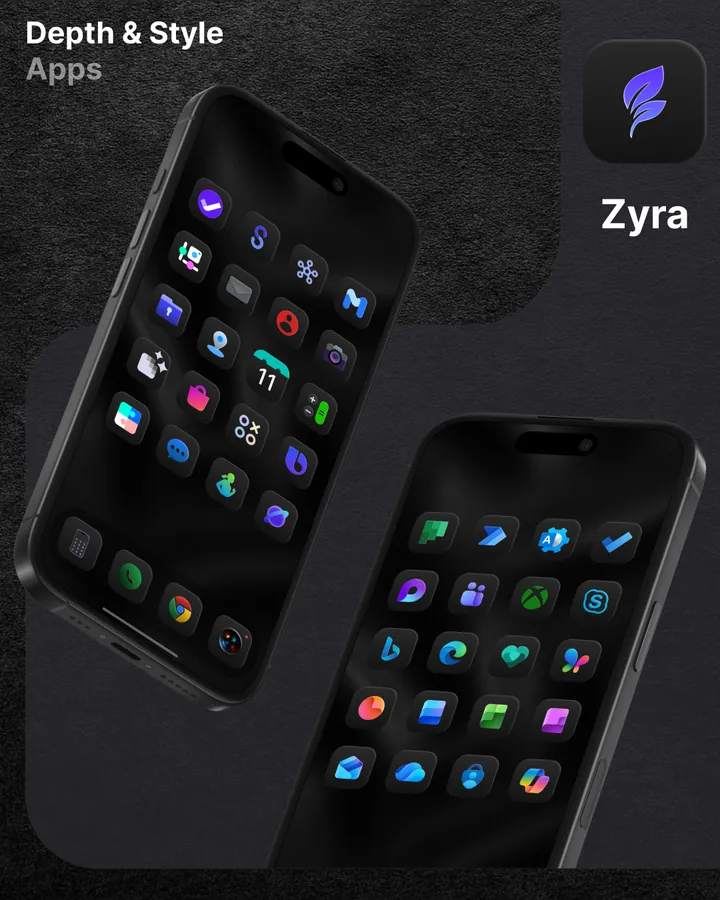
Dark icons crafted with depth and light effects, in HD (192×192 px), with new icons every update.
 Icon Pack & Widgets
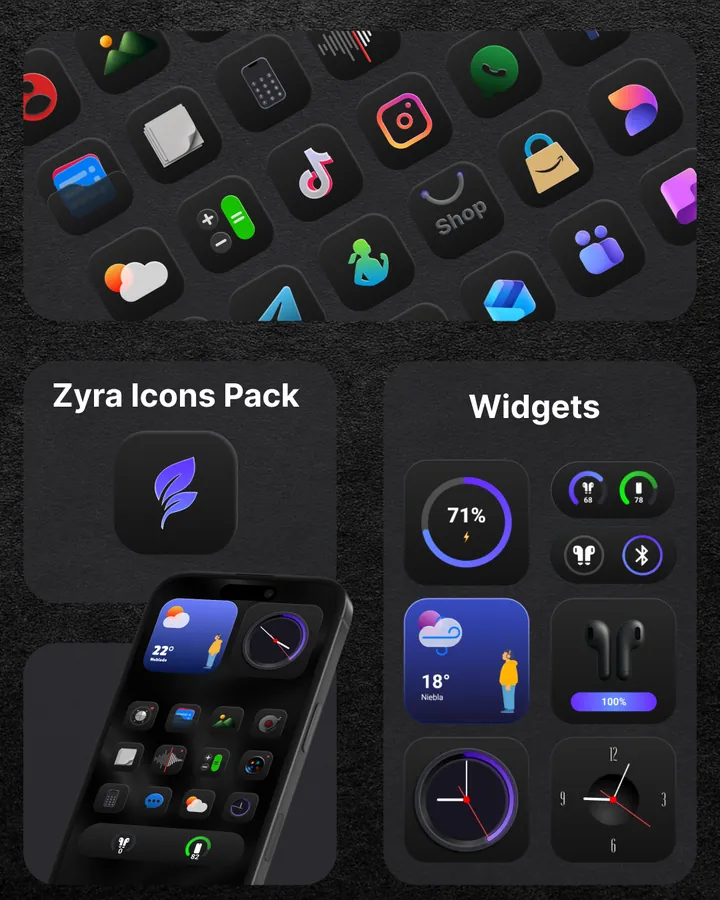
Dark icons with depth and light, plus 40 native widgets built in. No KWGT, no extra apps.
Swipe to see more
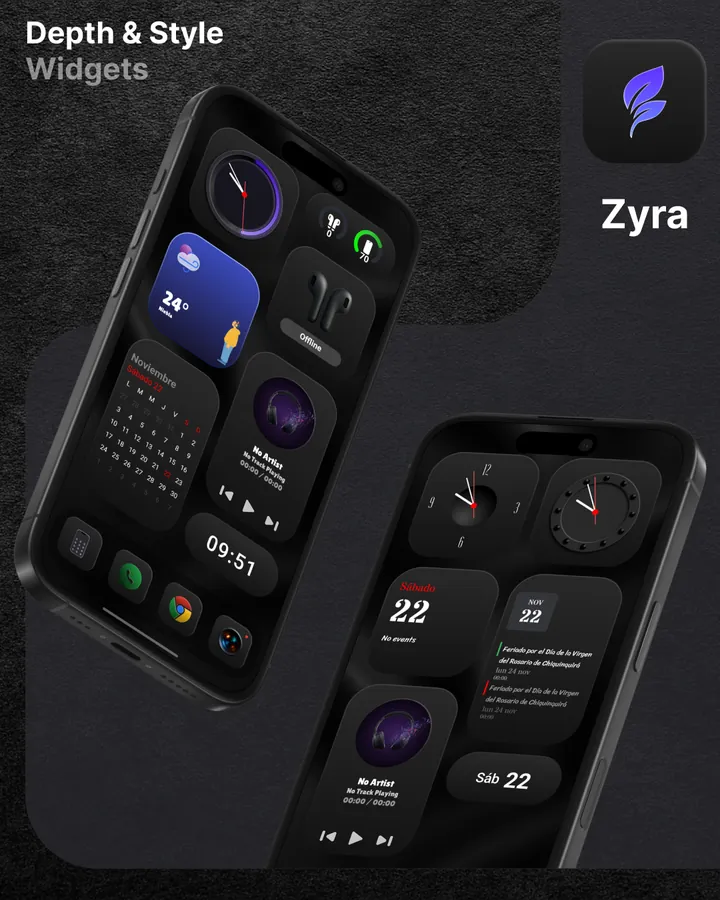
Zyra blends design and function: an icon pack, a full set of widgets and wallpapers that all share the same "Depth & Style" look.
Dark icons crafted with depth and light effects, in HD (192×192 px), with new icons every update.
Weather, clock, calendar, music, battery and more, in the color you choose. No KWGT required.
Exclusive cloud wallpapers designed to match the icons, applied in one tap.
Missing an app? Request it for free from the app, or use a premium request to get it sooner.
Zyra's widgets are built into the app, so they work on any launcher. Each one only asks for what it needs, when you add it.
Apply Zyra from the icon pack option of any launcher that supports icon packs. Requires Android 7.0 or later.
On OnePlus, Xiaomi or Pixel Launcher you may need an app like Shortcut Maker to change icons. The widgets work on any launcher.
Zyra grows with every update, based on your icon requests.
Your health, calendar, music and accessory data never leave your device. The weather widgets use your approximate location only to get the forecast, and every permission is optional.
No. Zyra's 40 widgets are native Android widgets built into the app. You don't need KWGT or any other app, and they work on any launcher.
Zyra works with the main launchers that support icon packs, such as Nova Launcher (recommended), Lawnchair, Niagara and Smart Launcher. On OnePlus, Xiaomi or Pixel Launcher you may need an app like Shortcut Maker to change icons. The widgets work on any launcher.
Open your launcher's settings, find the icon pack (or icon style) option and choose Zyra. Your app icons change straight away.
You can request it for free from the app. If you want it sooner, premium requests are prioritized and are usually created within 3 to 5 business days, then added in an update.
Zyra is a paid app: you buy it once on Google Play, with no subscription. The only in-app purchases are optional packs of premium icon requests. Refunds are handled by Google Play; see the Terms of Service.
Android 7.0 or later.
Your health, calendar, music and accessory data stay on your phone. Zyra has no ads and no analytics. The weather widgets use your approximate location only to get the forecast. All the details are in the Privacy Policy.
Questions before buying? Write to us on Telegram or at [email protected].